Everyone · 6 min read
How to clean the same spreadsheet every week (without redoing it)
Stop rebuilding the same cleanup by hand. Turn a messy recurring export into a saved workflow you can re-run in seconds — all local in your browser.
Published July 21, 2026
It is Monday morning and the same file is waiting for you. Same export, same column that arrives as text, same trailing spaces, same three junk rows at the bottom. You already know the fix by heart because you did it last Monday, and the Monday before that. The problem is not that the cleanup is hard — it is that you keep doing it from scratch.
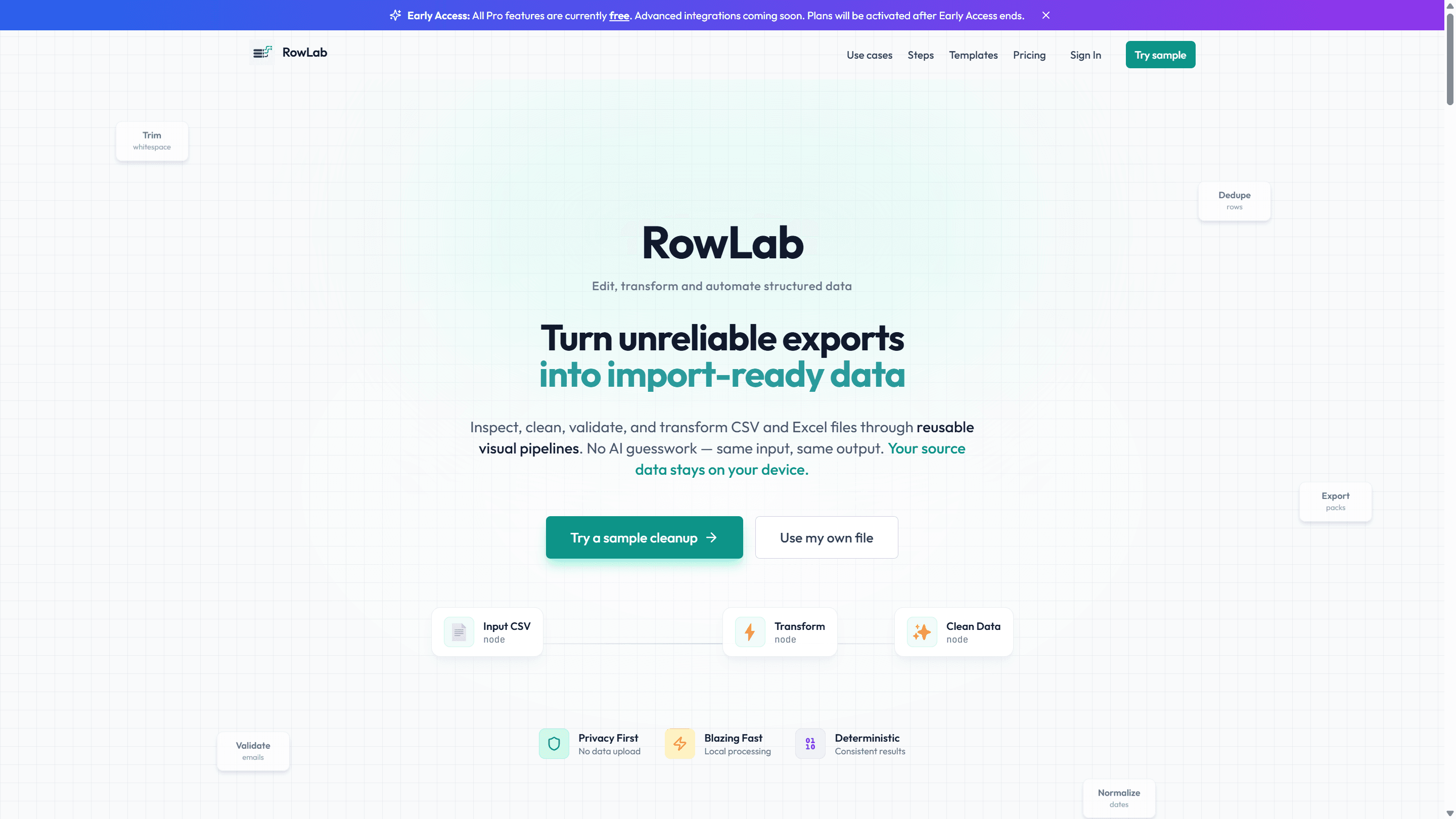
This is exactly the kind of chore RowLab is built to erase. Instead of manually cleaning the spreadsheet again, you build the cleanup once as a workflow, then re-run it on next week's file. Here is the whole loop, start to finish.
Step 1: Start from a sample so you can see it work
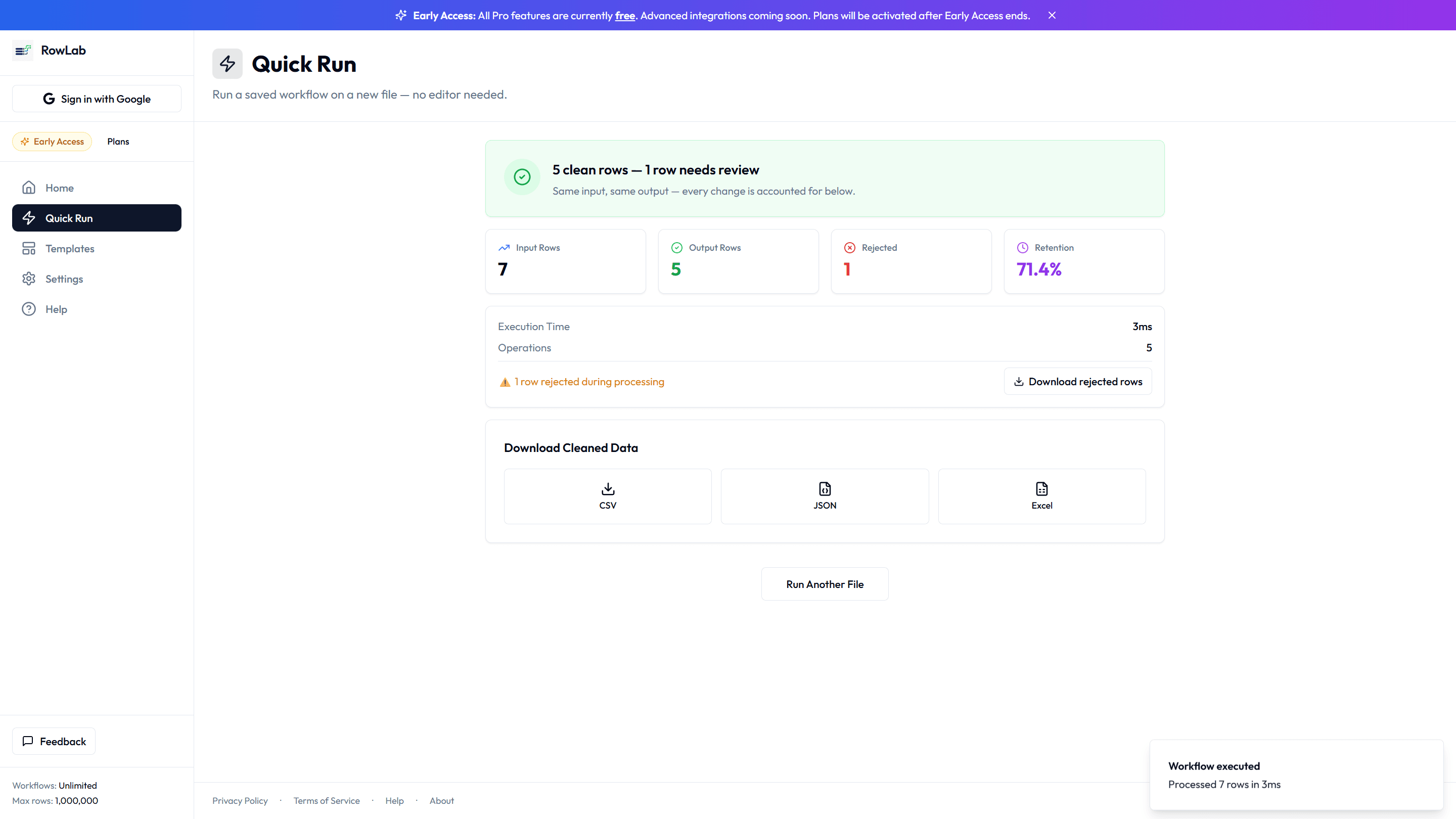
The fastest way to understand the flow is Quick Run. Pick a workflow, drop in a file, and press Run. RowLab opens with a sample already loaded so you do not have to hunt for a file to try. Everything happens in your browser — the file you choose never gets uploaded to a server.
Step 2: Read the receipt, not just the output
When the run finishes you get a receipt, not a mystery. It shows how many rows came out clean, how many were rejected and why, and the downloads waiting for you. That receipt is the difference between "I think the file is fine" and "I can see exactly what changed."
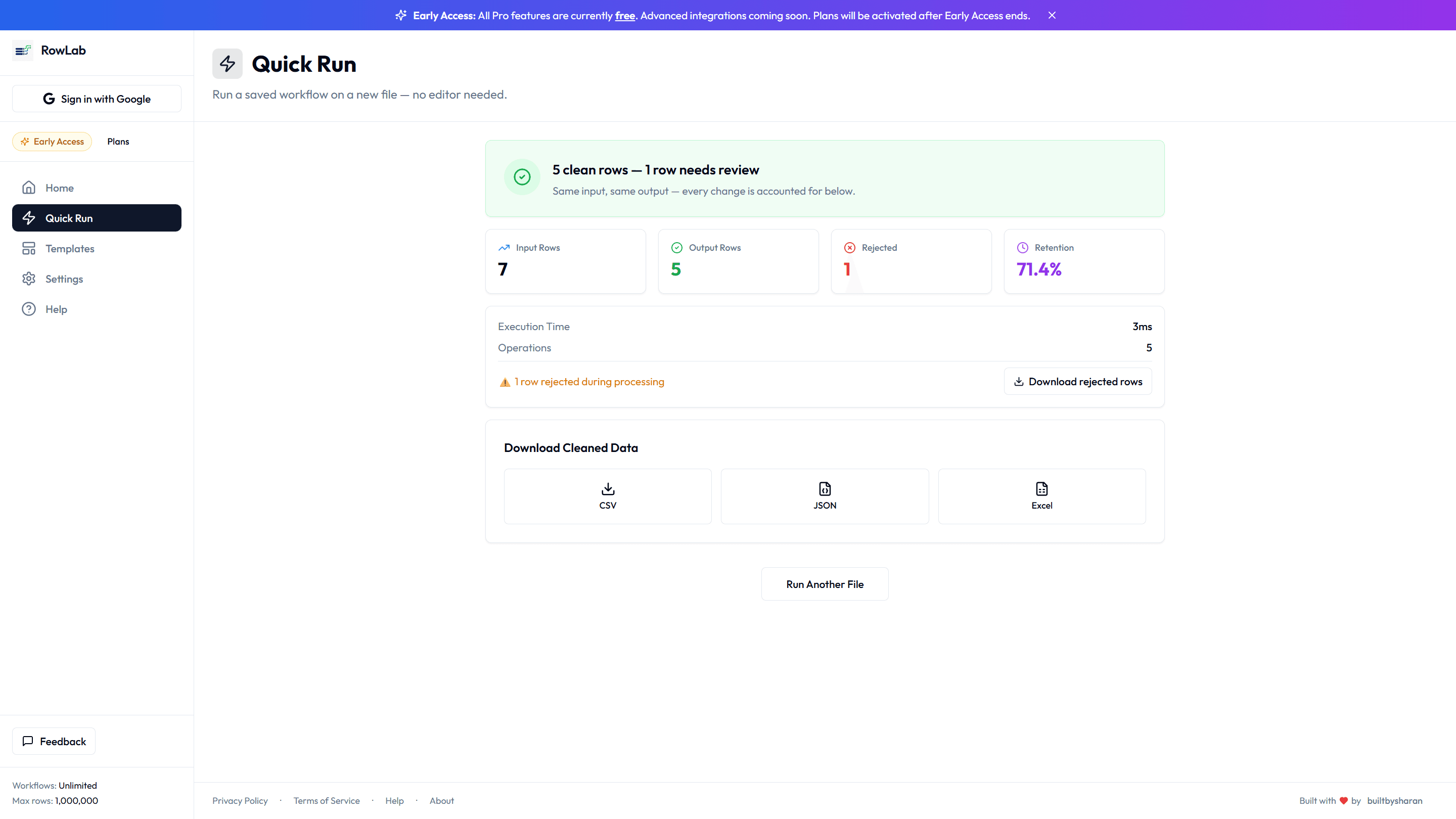
- Clean rows: the ones that passed every step, ready to hand off.
- Rejected rows: the ones that failed a rule, kept separate so nothing silently disappears.
- Downloads: your cleaned file, ready to save or send.
Step 3: Save it as a workflow for next month
Here is the part that pays off. Once the steps do what you want, save them as a workflow. The workflow stores the logic — trim this column, convert that one to a number, drop the empty rows — not the data. Next Monday you open the same workflow, drop in the new export, and press Run. The five minutes of clicking becomes five seconds.
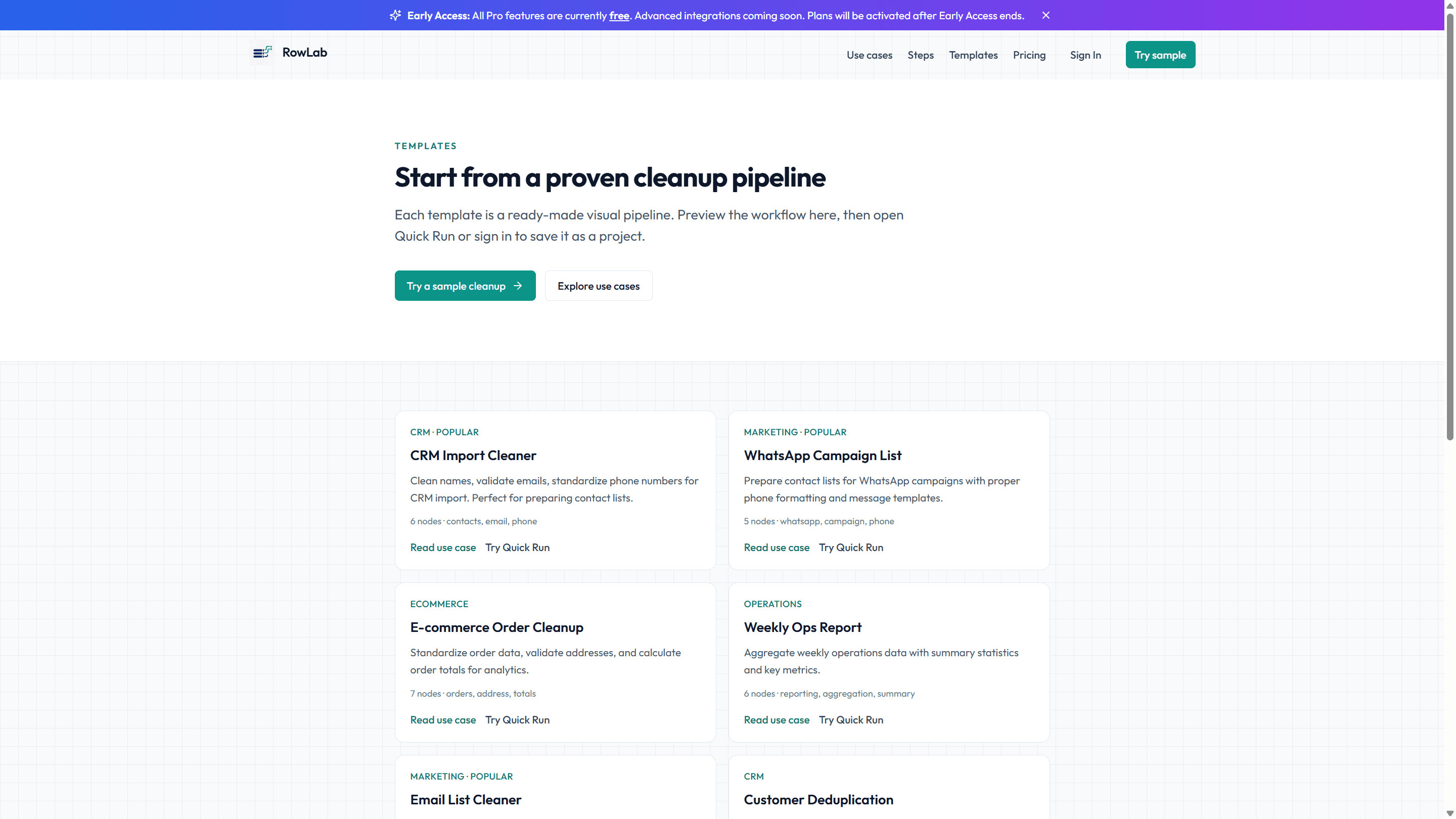
If you would rather not start from a blank canvas, the templates gallery has ready-made workflows for common cleanups. Open one, adjust a step or two to match your columns, and save your own version.