HR · 7 min read
Stop your payroll file from failing provider validation
Payroll provider uploads fail on name casing, empty employee IDs, and bad bank formats. Build a workflow to catch every issue before submission — locally, in the browser.
Published July 21, 2026
It is payroll Monday and the provider portal just rejected your file. The error log is terse: "row 47 invalid," "row 88 missing ID," "row 103 bank format." You open the CSV, squint at 400 rows, and start hunting. Somewhere in there a name is ALL CAPS, an employee ID is blank, and an account number lost its leading zero. Payroll is the one file that absolutely cannot go out late or wrong.
The provider's validation is strict for good reason. The move is to run the same strict checks yourself, before submission, inside a workflow that catches every issue at once.
What providers reject
- Name casing that does not match the record on file (ALL CAPS or all lowercase).
- Empty or duplicated employee IDs.
- Bank details in the wrong format — lost leading zeros, spaces, or wrong length.
- Amounts stored as text instead of numbers.
A pre-flight workflow for payroll
- Trim & Clean names, IDs, and bank columns to remove hidden whitespace.
- Case Transform names to the casing your provider expects (usually title case).
- Type Convert pay amounts to numbers so the provider's math lines up.
- Validate employee IDs are present and unique, and that bank fields match the required pattern and length.
- Route any failing row to the rejected pile with a specific reason.
Catch it here, not in the portal
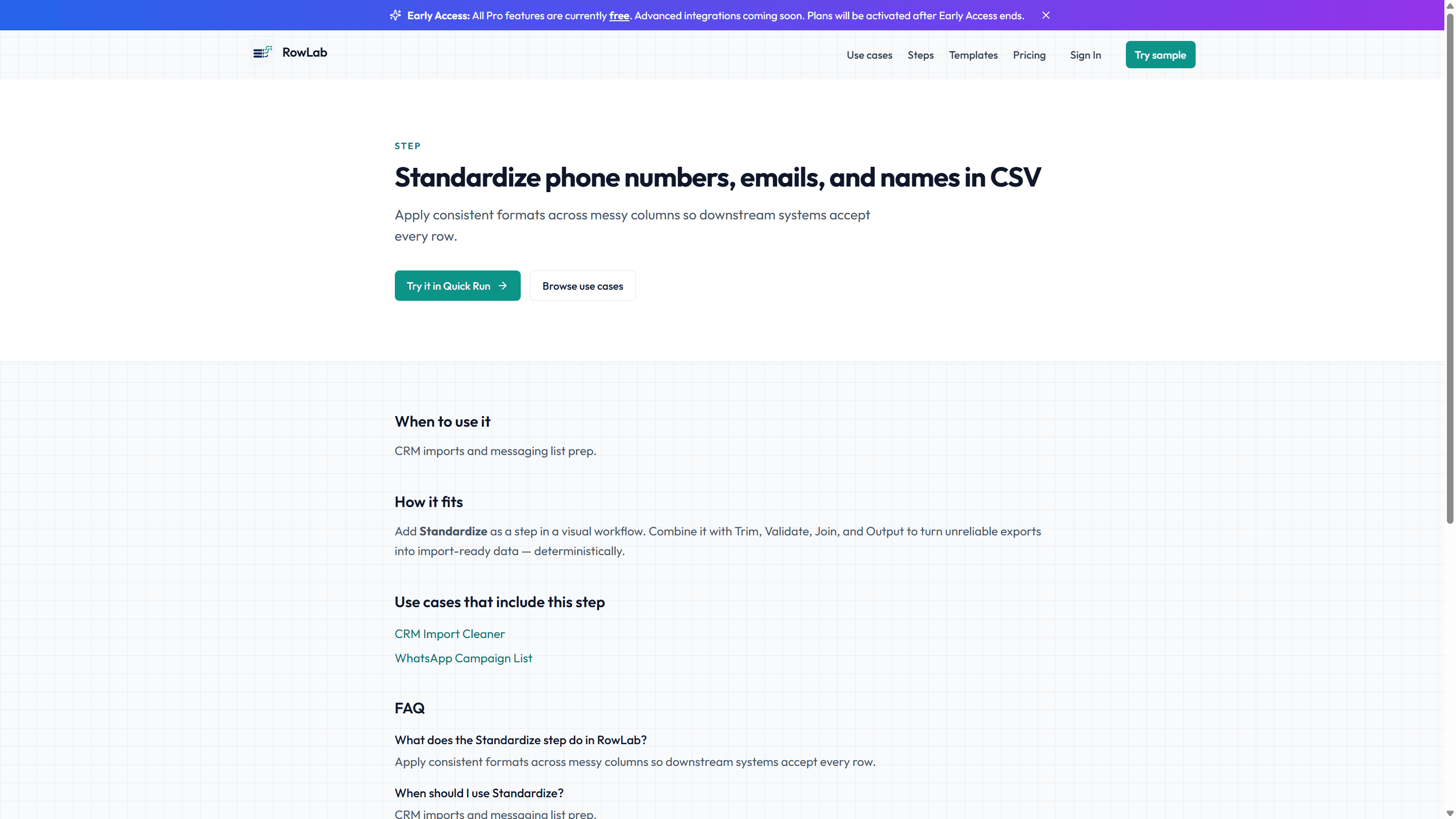
The receipt tells you, before you submit, exactly which rows would fail and why. You fix those few rows in the source, re-run, and only submit when the rejected pile is empty. No more upload-reject-repeat loop against a portal that gives you one cryptic error at a time.