Operations · 7 min read
One inventory view from Amazon, Shopify, and your warehouse
Three channels export SKUs three different ways. Normalize and join them in the browser into a single ops view — no Excel gymnastics, no uploads.
Published July 21, 2026
Monday means three exports and one headache. Amazon calls it an ASIN mapped to your SKU. Shopify writes the SKU with a dash. The warehouse system uses an internal code with a leading zero that Excel keeps eating. You need one table that says how much of each product you actually have across all three — and right now assembling it is an hour of copy, paste, and VLOOKUP roulette.
The blocker is never the data itself. It is that each channel formats the same SKU differently, so nothing lines up. A workflow that normalizes each file's key and then joins them turns three messy exports into one clean ops view.
The real problem: three SKU dialects
- Amazon: SKU wrapped in extra channel identifiers, sometimes uppercase.
- Shopify: SKU with dashes or suffixes for variants.
- Warehouse: internal codes with leading zeros and padding.
Before you can join anything, all three have to agree on what a SKU looks like. That is a normalization step, and it is the whole game.
Normalize each file to a shared key
- Trim & Clean every SKU column so hidden whitespace stops breaking matches.
- Find & Replace to strip channel prefixes, dashes, and padding down to a bare canonical SKU.
- Case Transform to one casing so "AB123" and "ab123" become the same key.
- Type Convert quantity columns to numbers so you can actually sum them.
Join into a single ops view
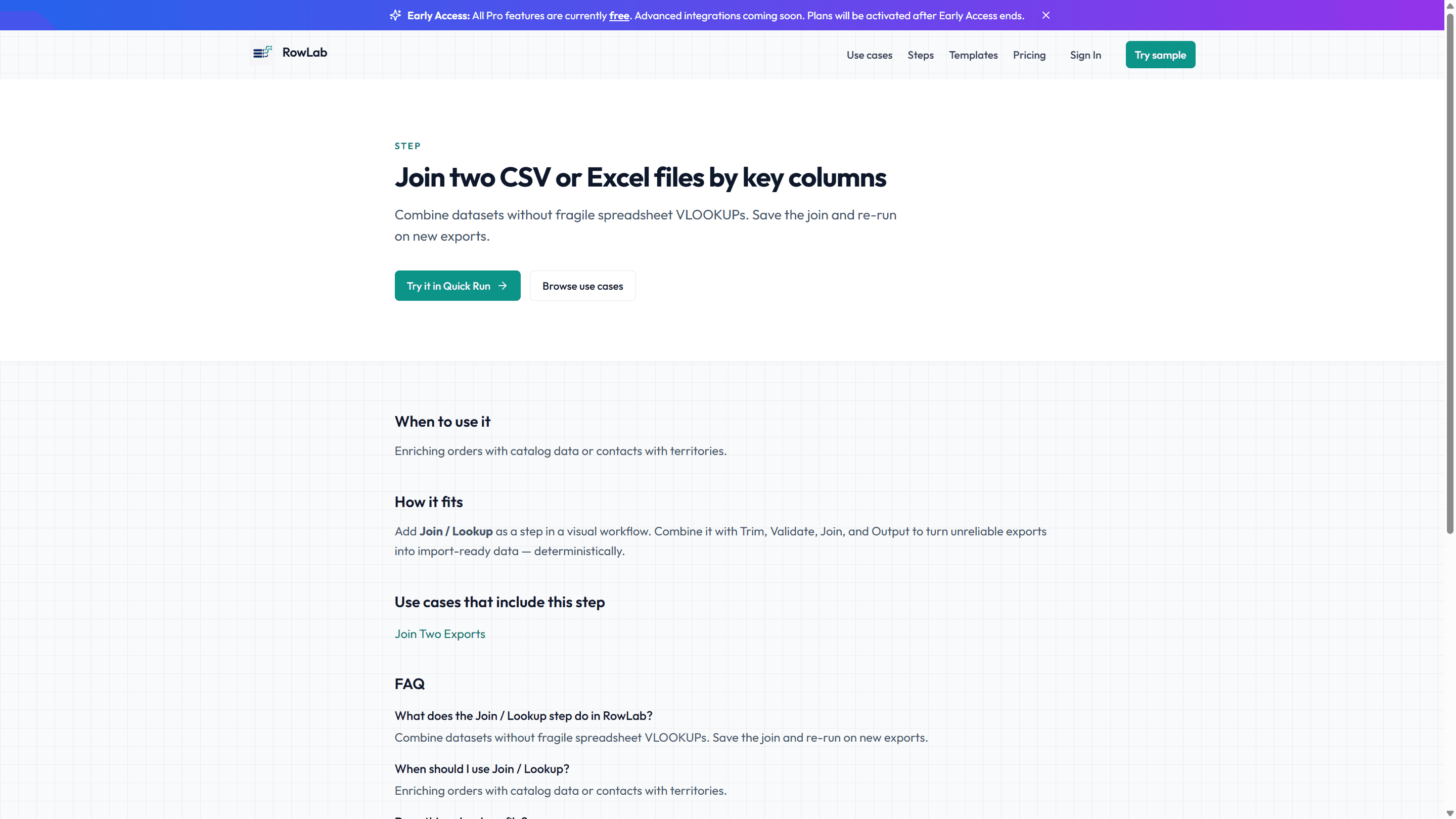
With a clean key on each file, add a Join step to combine them on the normalized SKU. When a channel's codes never quite match — a rename, a typo, a legacy variant — a fuzzy join with a similarity threshold you control catches the near-misses so they do not fall out of the report.
The output is one row per product with quantities from all three channels side by side — the view your ops standup actually needs. Because RowLab works entirely in your browser, none of your channel data or margins leave your machine.