
Operations · 7 min read
Fix vendor CSVs before they fail your ERP import
Weekly vendor and PO exports break ERP imports on whitespace, malformed codes, and duplicates. Build one workflow to clean them every time — locally in your browser.
Published July 21, 2026
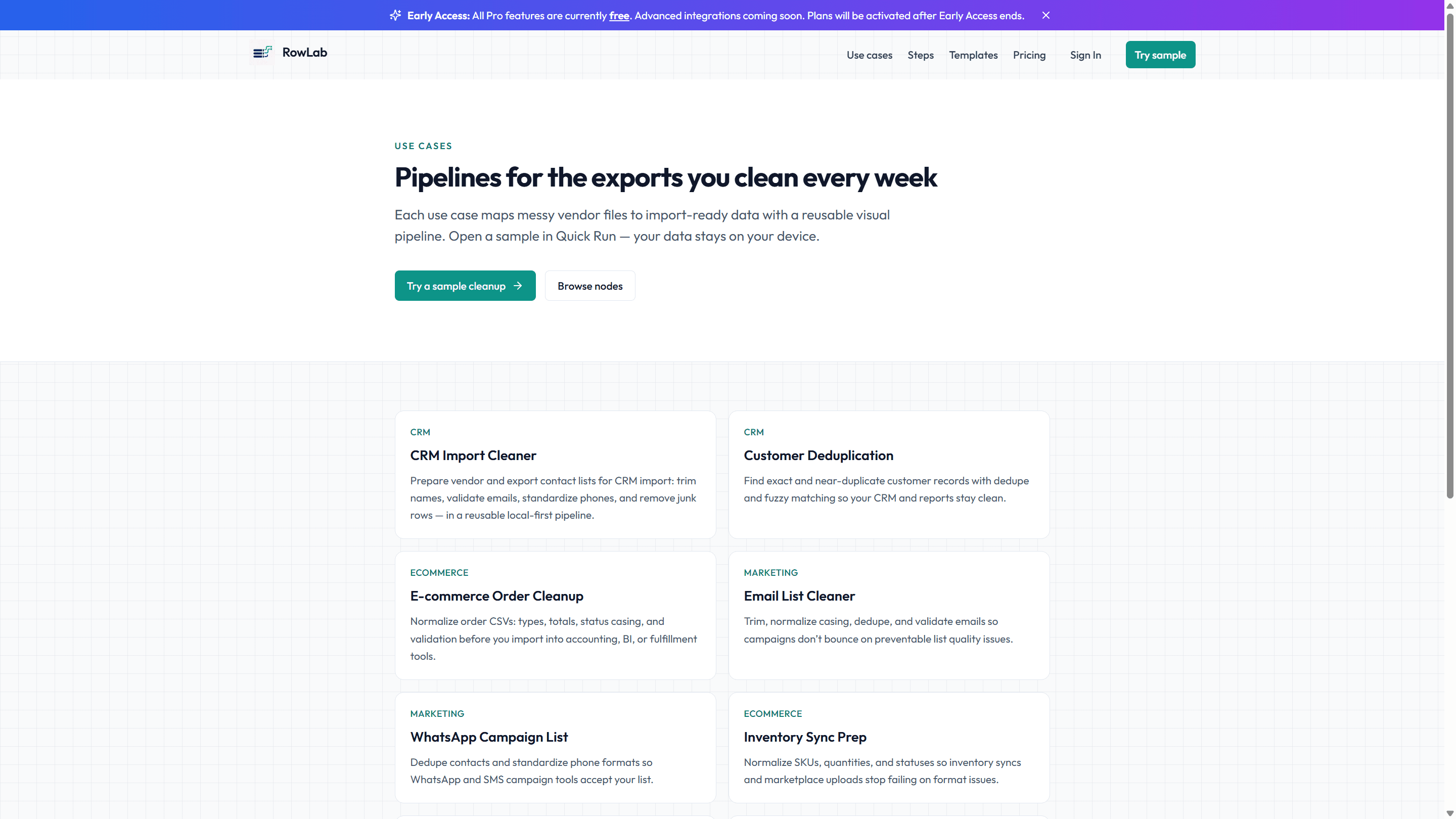
Monday, 9:14 a.m. The vendor export lands in your inbox, you push it into the ERP, and the import chokes on row 212. "Invalid supplier code." You fix it, re-run, and now it is a trailing space on a SKU. By the third failed attempt you are copying cells into a scratch sheet, wondering why the same file breaks the same way every week.
ERP imports are strict on purpose, but vendor exports are not. The mismatch is where your Monday goes to die. The fix is to stop treating each week as a one-off and build a workflow that makes the file import-ready before it ever touches the ERP.
What actually breaks the import
- Whitespace: leading and trailing spaces on supplier codes, SKUs, and part numbers that make an exact match fail.
- Malformed codes: mixed casing, stray punctuation, or a legacy prefix the ERP does not recognize.
- Duplicates: the same PO line exported twice, so quantities double or the import rejects the batch.
- Text where numbers belong: quantities and prices arriving as strings that the ERP refuses to parse.
Build the workflow once
In Studio you assemble the cleanup as a short chain of steps. Each step does one obvious thing, so anyone on the team can read the workflow and understand it.
- Trim & Clean the code and SKU columns to kill whitespace before anything else runs.
- Case Transform supplier codes to a single casing so matches are consistent.
- Find & Replace to strip legacy prefixes or remap known bad codes to the value the ERP expects.
- Type Convert quantities and prices from text to numbers.
- Dedupe on the PO line key so nothing imports twice.
- Validate that required fields are present and codes match your allowed pattern — anything that fails is set aside, not silently dropped.
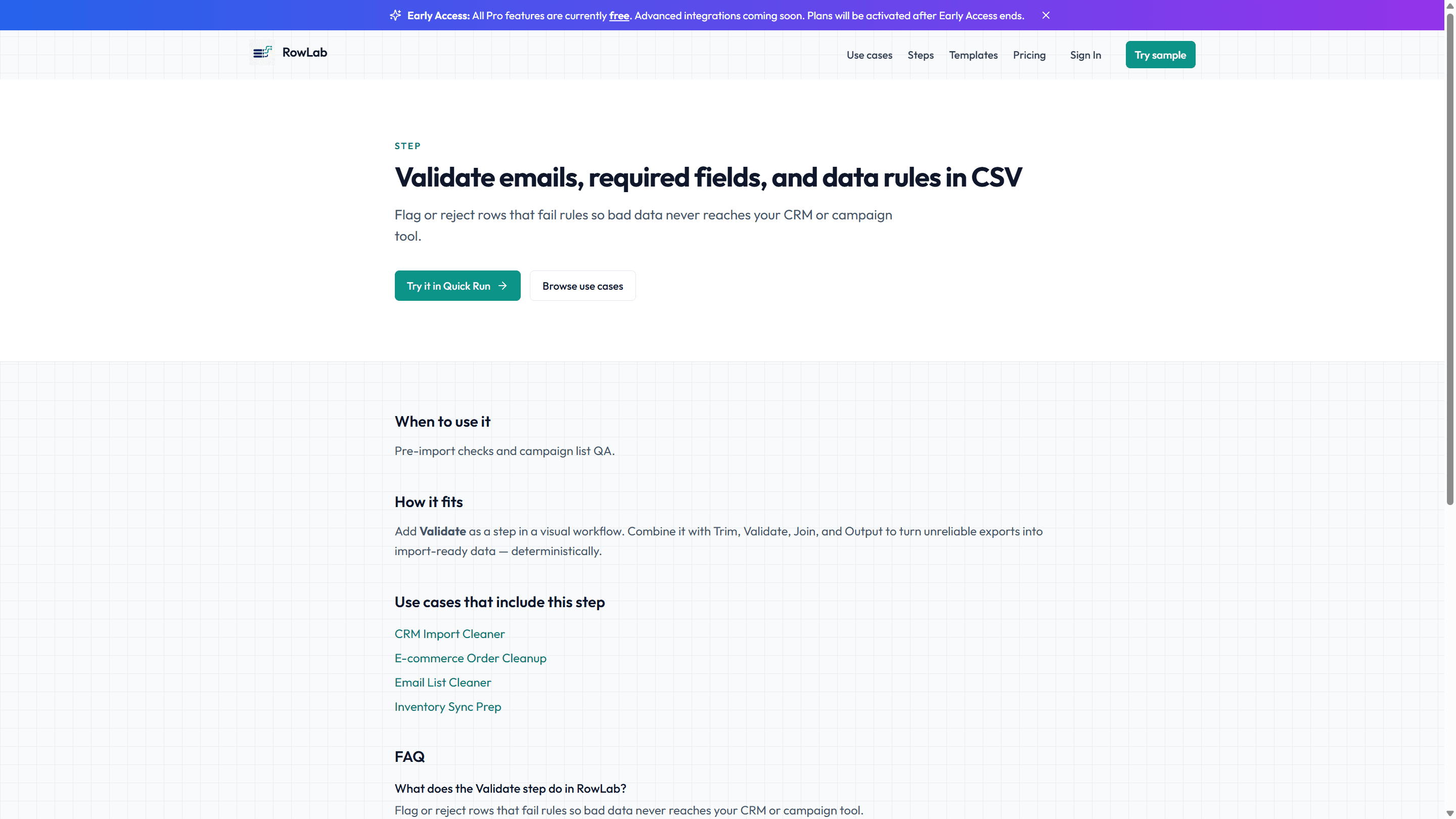
Trust the receipt before you import
After the run, the receipt shows clean rows ready for the ERP and a separate pile of rejected rows with the reason attached — "missing supplier code," "quantity not numeric." You import the clean file with confidence, and you hand the rejects back to the vendor with specifics instead of a shrug.
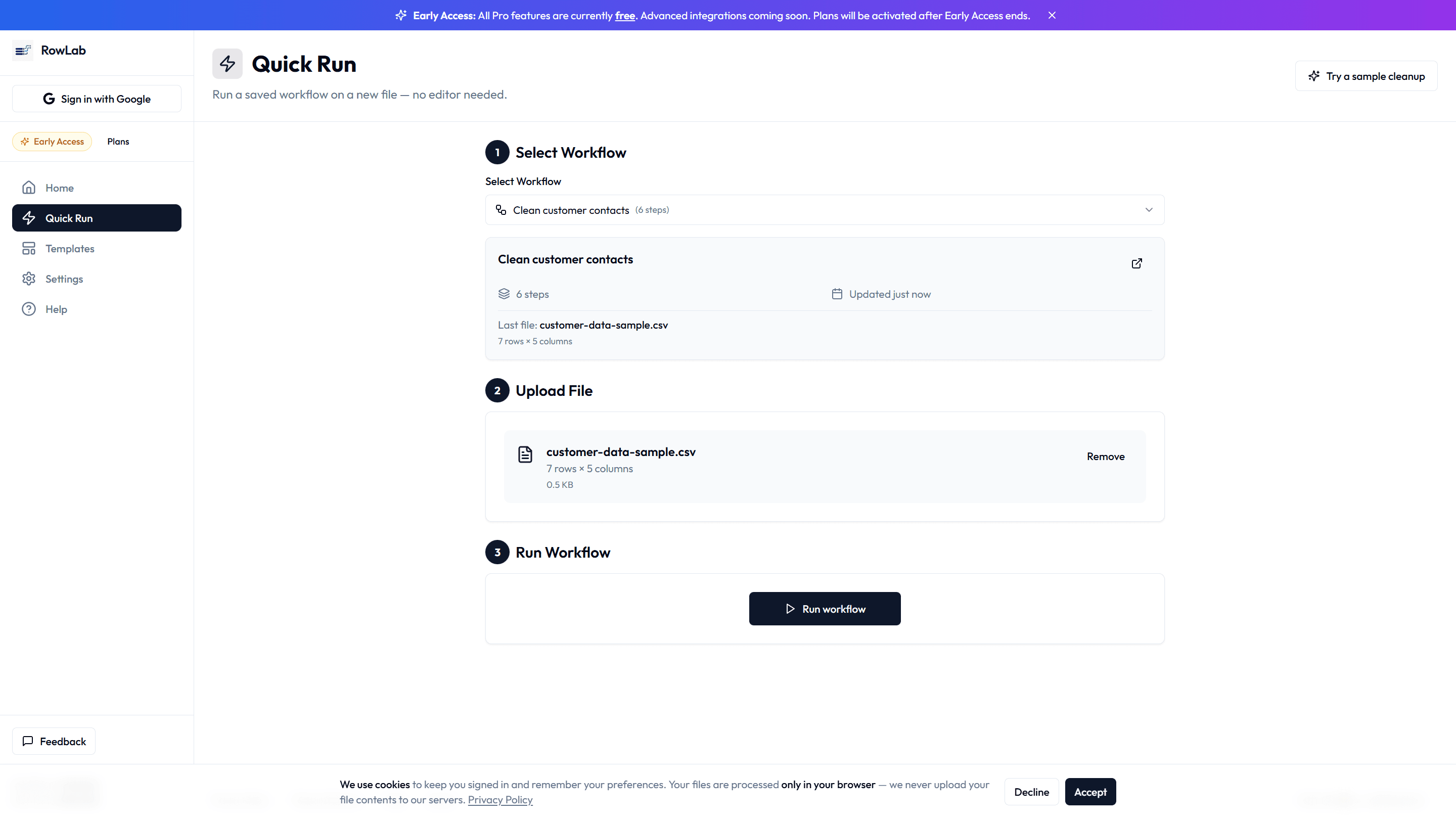
Save the chain as your "Vendor → ERP" workflow. Next week the export lands, you re-run the workflow, and the import passes on the first try.